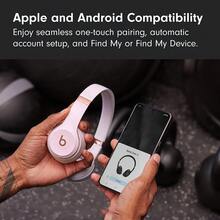
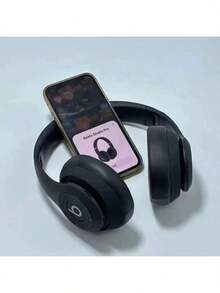
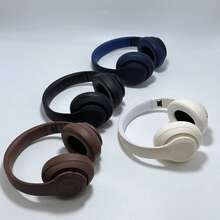
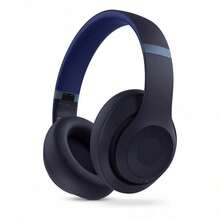
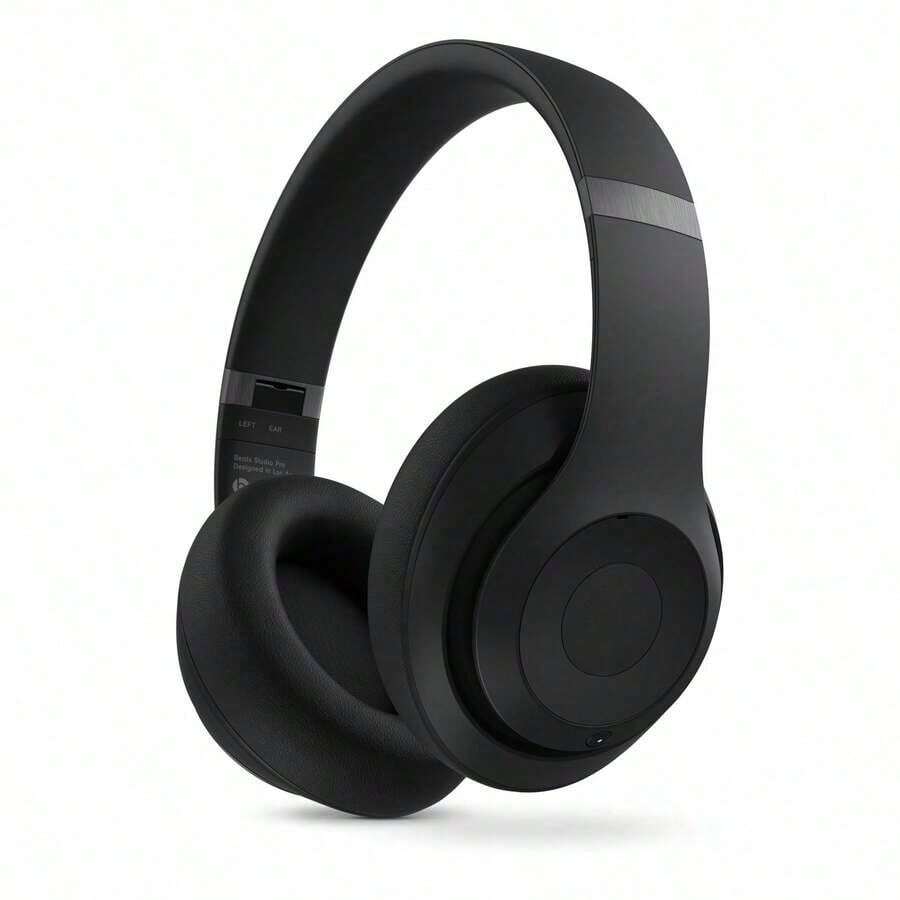

Transmission range: 10m protocol: 4.0 Usage:-mounted Whether single or double ear: Bilateral Stereo Sound Battery life: Over 8 hours Style: Design Waterproof performance: Does not support waterproofing Material: Plastic Precautions & Troubleshooting for Studio3 Wireless Headphones First Use TipCharge the headset for 1 full hour before using it for the first time. How to Connect Turn on the headset and wait 3–5 seconds for pairing mode (flashing light). Enable Bluetooth on your device and search for "Studio3". Select it to pair. It will auto-reconnect next time. Connection Issues Check Bluetooth is on and select the correct "Studio3" model. Restart the headset if it disconnects after 5+ minutes of inactivity. Delete old pairing records and re-pair. One Side No Sound Adjust the headband to fit both ears tightly. Power off/on the headset and reconnect. Long-press the power button for 10 seconds to reset, then re-pair. Sound Leakage / Poor Audio Ensure ear cups fully cover your ears. Lower the volume to reduce leakage. Test with a different audio file to rule out source issues. Short Battery Life Charge until the indicator light turns off (full charge). Use at room temperature (15–25℃) for best performance. New headsets: Fully discharge/recharge 2–3 times to activate capacity.
| Material | ABS |
| Pattern Type | All Over Print |
| Color | Blue |
| Driver Unit | Others |
| Ear Coupling Style | Over-Ear |
| Noise Cancelling | Active Noise Cancellation |
| Wireless Property | Wireless |
| Interface | USB |
| Compatible Devices | Laptop |
| Power Supply | USB or other DC power connection |
| Type | On-Ear Headset |
| Connectivity Technology | Wireless |
| Microphone Type | None |
| SKU | se251121960480925122 |
Your payment at SHEIN is secured with global payment security certifications.
SHEIN does not share personal information about you with nonaffiliated third parties. All your information and privacy will not be compromised.